
Canva is the default tool for most Pinterest creators, but it’s not always the best fit. Here are the top Canva alternatives for creating Pinterest graphics — and when each one makes sense.
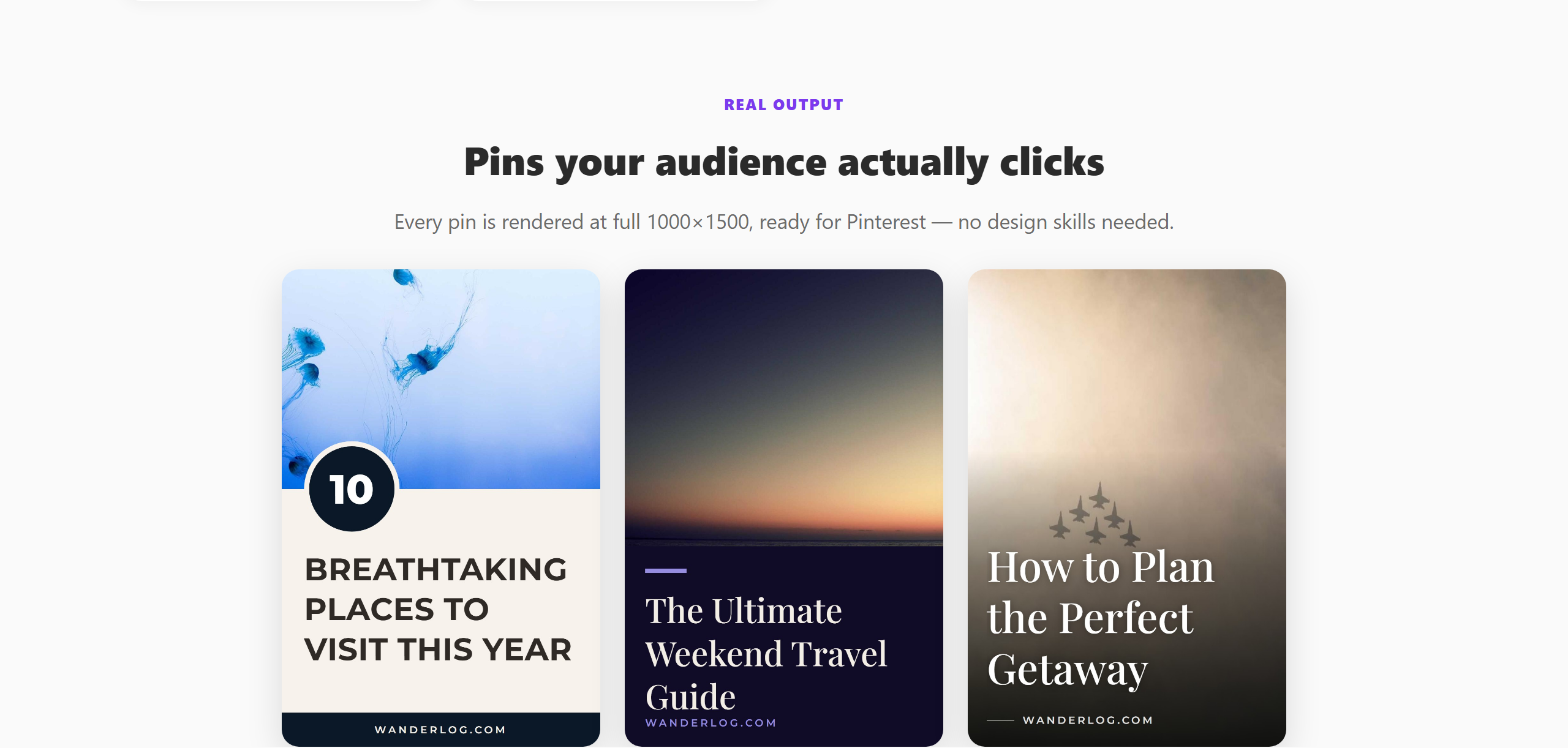 PinPublish ships 305+ Pinterest-native templates.
Why Look for a Canva Alternative?
Common reasons creators look beyond Canva:
- Canva Pro is expensive ($15/month) and the free plan is limited
- Canva doesn’t connect to Pinterest — you export and upload manually
- Canva’s templates aren’t Pinterest-specific — many need resizing or tweaking
- No scheduling — Canva doesn’t publish to Pinterest for you
1. PinPublish — Best for Pinterest-Specific Workflows
PinPublish is built specifically for Pinterest creators. Instead of starting from a blank template, you paste a URL and get a pin ready to schedule in under 60 seconds.
- 305+ Pinterest-optimised templates (pre-sized to 1000×1500px)
- Direct Pinterest publishing — no manual export and upload
- AI title suggestions — keyword-optimised titles based on your content
- Scheduling built in — pins publish automatically on your chosen schedule
- Free plan — 400 credits per month, no credit card
Best for: Bloggers, e-commerce sellers, and content creators who want to create and publish pins without a separate design step.
2. Adobe Express — Best for Design Quality
Adobe Express has cleaner, more polished templates than Canva’s free tier. If design aesthetics matter and you’re willing to spend time on each pin, Adobe Express delivers higher-quality results.
Limitation: No Pinterest integration — export and upload manually.
3. Visme — Best for Custom Branding
Visme lets you set up brand kits (colours, fonts, logos) that apply across all your designs. If maintaining strict brand consistency matters, Visme is more structured than Canva.
4. Microsoft Designer — Best for AI Concepts
If you’re not sure what style to create, Microsoft Designer’s AI can generate multiple design concepts from a text prompt. Great for ideation; less consistent for production volume.
5. Tailwind Create — Best for Bulk Variations
Tailwind’s design tool (called Tailwind Create) generates multiple pin variations from a single piece of content. It doesn’t match PinPublish for speed or template quality, but it’s integrated with Tailwind’s scheduler.
The Bottom Line
If you’re frustrated with Canva because it’s not Pinterest-native, PinPublish is the most direct replacement — it handles design, optimisation, and scheduling in one place.
If you want more design control and aren’t bothered about manual uploading, Adobe Express is the best standalone design tool.
See also: Canva Alternative for Creating Pinterest Pins for a more detailed comparison with Canva side by side.