
Pinterest is one of the highest-ROI traffic sources available to bloggers and online businesses. Unlike social media platforms that throttle links, Pinterest is built around driving people off-platform to websites. Here’s how to make it work.
 Consistent pinning is the biggest driver of Pinterest traffic.
Why Pinterest Traffic Is Different
Pinterest visitors have high intent. When someone clicks a pin about “how to start a bullet journal,” they’re actively interested in bullet journaling — they’re not passively scrolling. This intent translates to higher time-on-page, lower bounce rates, and better conversion rates than most social media traffic.
Pinterest also generates long-tail traffic. A pin published today can still be driving clicks in 2 years. This compounds: the more pins you have in circulation, the more traffic you receive from pins published months ago.
Step 1: Every Pin Needs a Destination URL
This sounds obvious, but many creators publish decorative or inspirational pins without links. Every pin you schedule should link to a specific page on your website.
For e-commerce: link to product pages. For bloggers: link to your articles. For service providers: link to landing pages or your booking page.
Step 2: Match Your Pin Title to Your Page
Pinterest shows your pin title alongside the image. The title sets the expectation for what someone will find when they click. If your pin says “10 Ways to Organise a Small Kitchen” and the linked article covers general kitchen decor, people will bounce immediately.
Match the promise to the delivery.
Step 3: Use UTM Parameters to Track Pinterest Traffic
Add UTM parameters to your pin URLs so you can see Pinterest traffic in Google Analytics:
?utm_source=pinterest&utm_medium=social&utm_campaign=blog
This lets you see exactly which pins are driving traffic, sessions, and conversions. Guide: How to Track Pinterest Traffic.
Step 4: Optimise for Pinterest SEO
Your pins need to be found before they can drive traffic. Use keyword-rich titles that match what your target audience searches for on Pinterest.
Full guide: Pinterest SEO Guide
Step 5: Create Multiple Pins Per Page
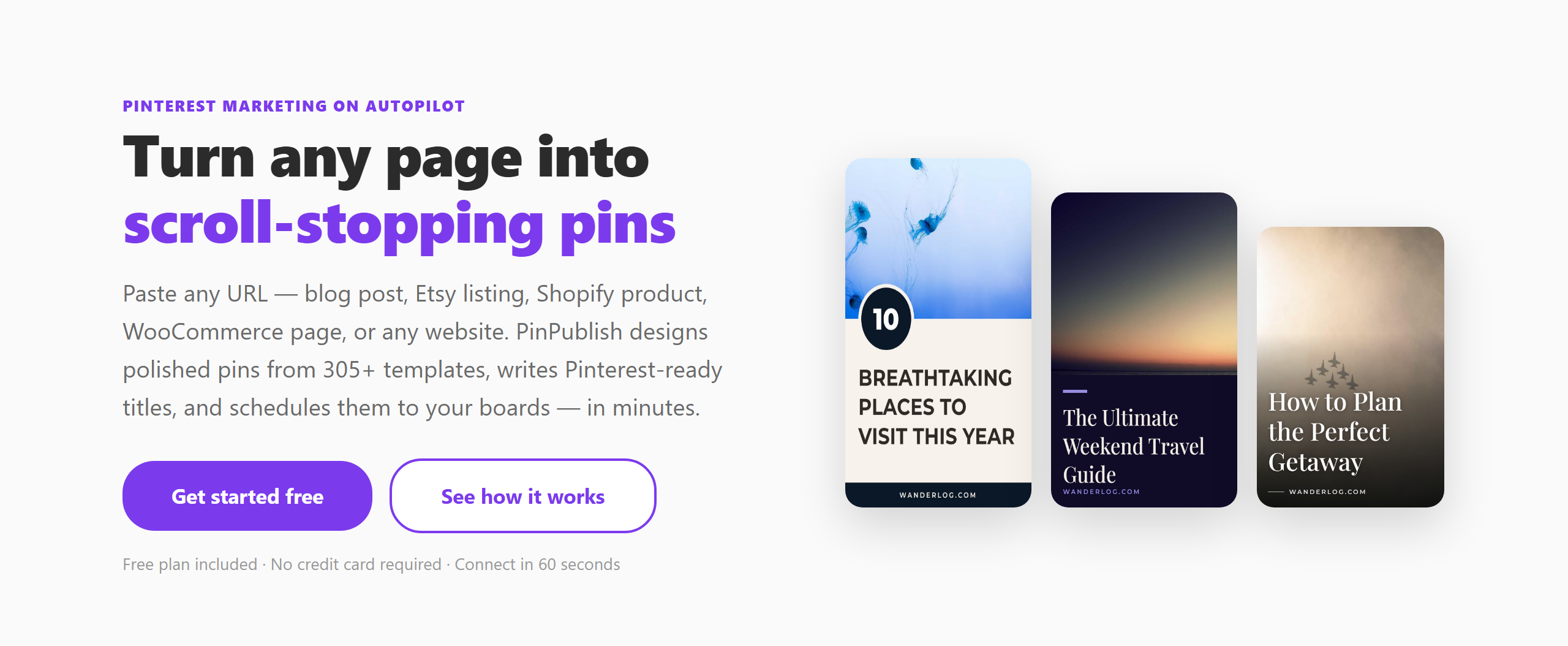
One URL can have many different pins — different images, different title angles, different templates. Each pin is an independent traffic source. Three pins per article means three chances to appear in search results and feeds.
PinPublish makes this fast — paste a URL once, create 5 different designs in minutes, schedule them over several weeks.
Step 6: Publish Consistently
Pinterest’s algorithm favours active accounts. Accounts that publish daily see dramatically more distribution — and therefore more clicks — than accounts that publish weekly. Use scheduling to maintain consistency without daily manual effort.
Converting Pinterest Traffic
Pinterest visitors are in discovery mode. To convert them: - Have a strong email opt-in on the landing page - Offer a related lead magnet (free printable, checklist, guide) - For e-commerce, use retargeting ads — Pinterest Ads Manager lets you retarget website visitors
See Pinterest Marketing Strategy 2026 for a comprehensive approach to converting traffic into customers.