
Using the wrong pin dimensions is one of the fastest ways to tank your performance on Pinterest. Here are the correct sizes for every pin type in 2026.
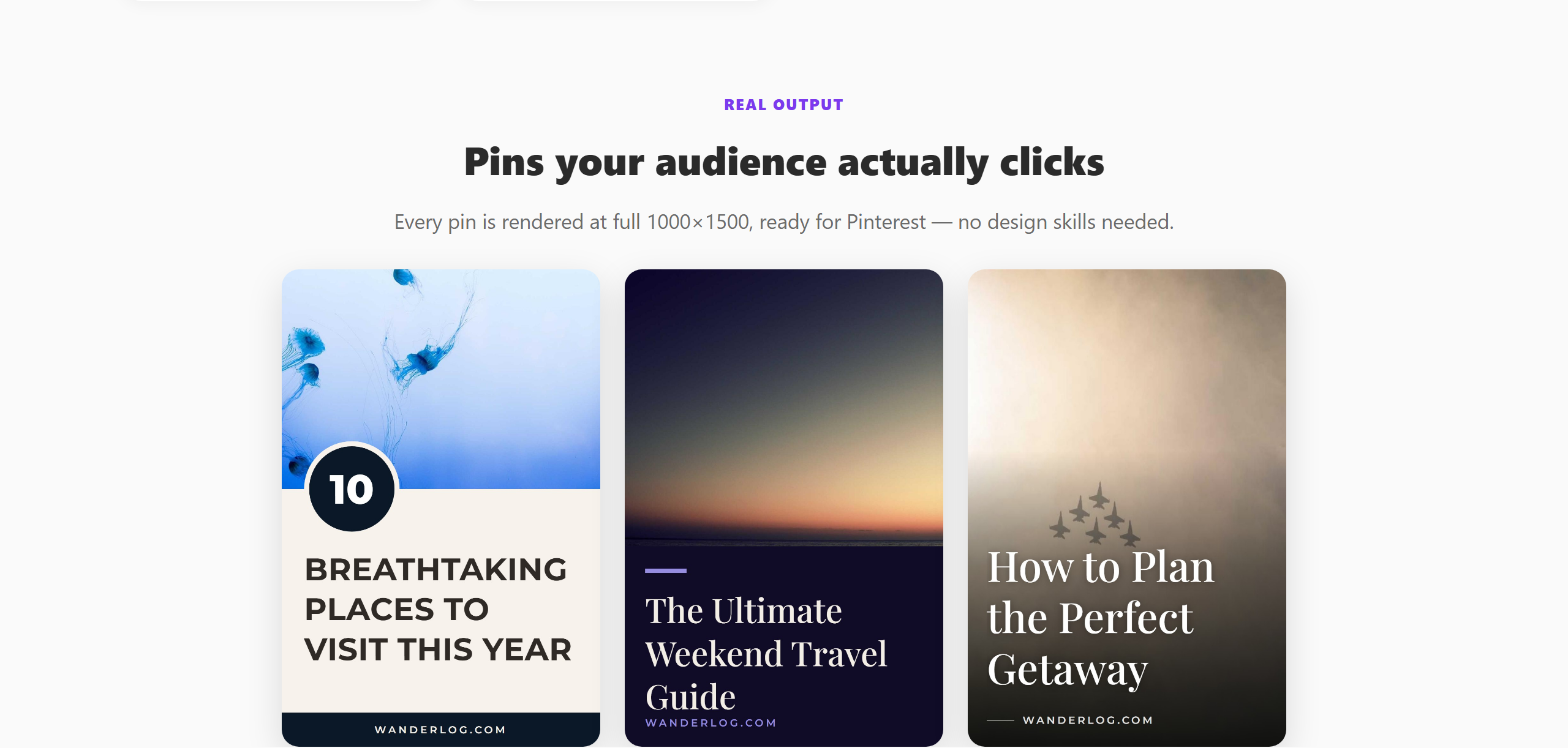 PinPublish templates are pre-sized to Pinterest’s 2:3 ratio.
Standard Pin Size (Most Common)
Recommended: 1000 × 1500 px (2:3 ratio)
This is the standard size for static image pins — the type most creators use. Pinterest’s feed is optimised for vertical content, and 2:3 fills the most screen real estate without being cut off or compressed.
You can go taller (e.g. 1000×2000px), but pins taller than 1:2.1 ratio will be cut off in the feed with a “See more” prompt. The top portion is shown, so make sure your headline appears in the upper half of the image.
Minimum size: 600px wide. Anything smaller will look blurry in the feed and on high-DPI screens.
Video Pin Dimensions
Recommended: 1000 × 1500 px (2:3) or 1000 × 1000 px (square)
Pinterest supports video pins between 4 seconds and 15 minutes long. The 2:3 vertical format performs best for most content. Square (1:1) works well for some formats like product demos.
File size: Maximum 2GB. MP4 and MOV formats supported.
Idea Pin Dimensions
Recommended: 1080 × 1920 px (9:16)
Idea Pins are Pinterest’s story-style format — full-screen, vertical, multi-page. Use the 9:16 ratio to fill the entire screen on mobile. Content in the lower 250px and upper 100px may be covered by Pinterest’s UI, so keep important text in the middle zone.
The 2:3 Rule for Regular Pins
If you remember only one thing from this guide: 2:3 is the standard ratio, 1000×1500px is the recommended resolution.
This size: - Fills the most feed space without being truncated - Looks sharp on all devices - Performs best across Pinterest’s algorithm
Text Placement Tips
- Keep your headline in the top third of the pin — visible before anyone clicks
- Leave 20–30px of padding on all sides so text isn’t cramped
- Use minimum 30px font size for titles (larger on mobile-dominant audiences)
- Avoid placing critical text in the bottom 10% — it may be covered by Pinterest’s UI elements
Tools for Creating Correctly Sized Pins
You don’t need Photoshop. Good options:
- Canva — has Pinterest pin presets at 1000×1500px
- Adobe Express — similar templates
- PinPublish — templates pre-sized to Pinterest’s specs, designed specifically for Pinterest performance
PinPublish handles sizing automatically. All 305+ templates are built to the correct 2:3 dimensions, so every pin you create is optimised without you thinking about pixels. Try it free — 400 credits per month.
For design inspiration, see Pinterest Templates for Non-Designers.